
Make every
screenshot count.
Practical, original guides to help you choose a layout, explain your app, and finish with useful files. Store requirements link back to official sources.
 Dimensions and delivery
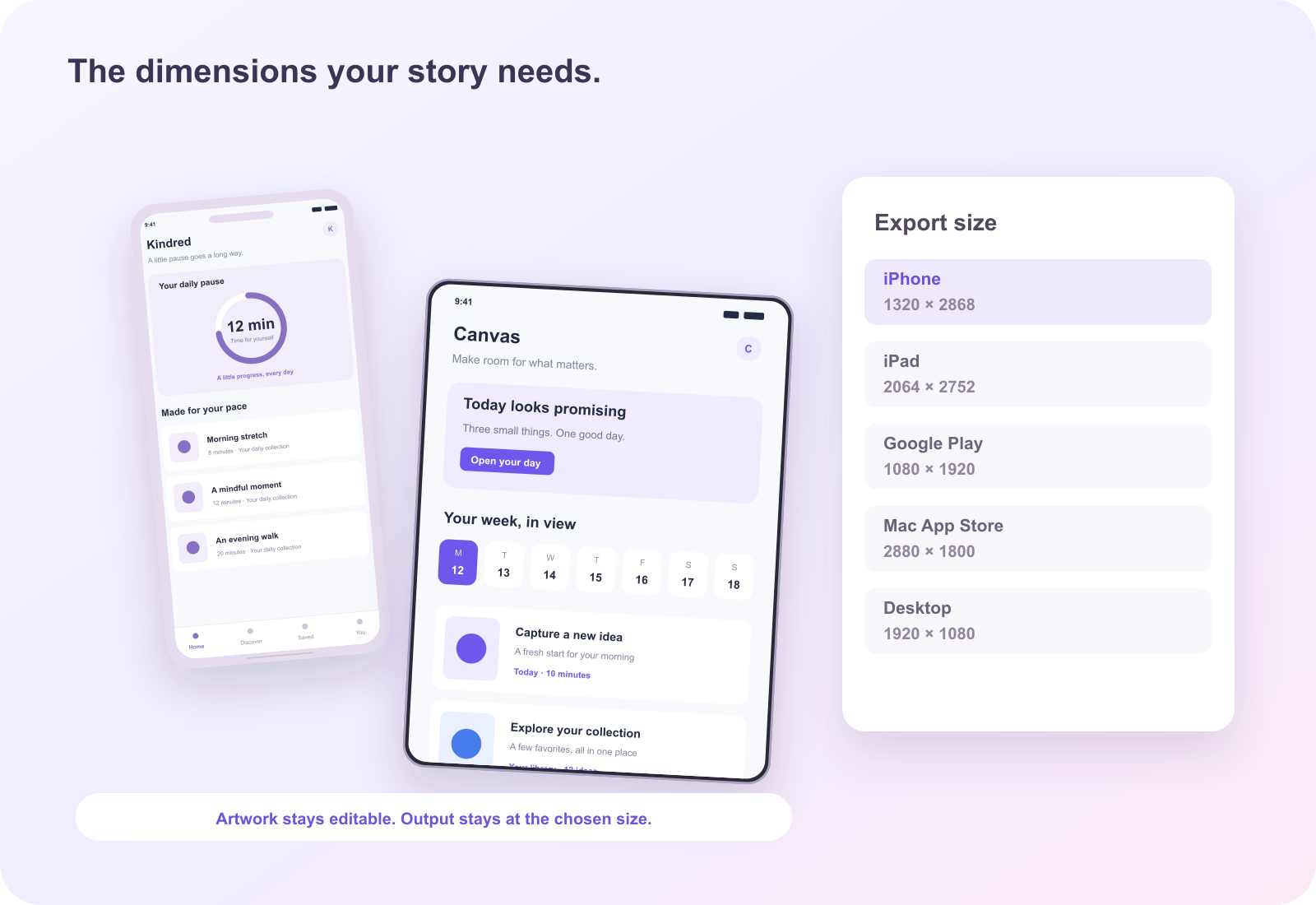
App Store screenshot sizes: choose the output before the layout
Understand iPhone and iPad output dimensions, orientation, image format, and the difference between a decorative frame and a submission size.
 Content and communication
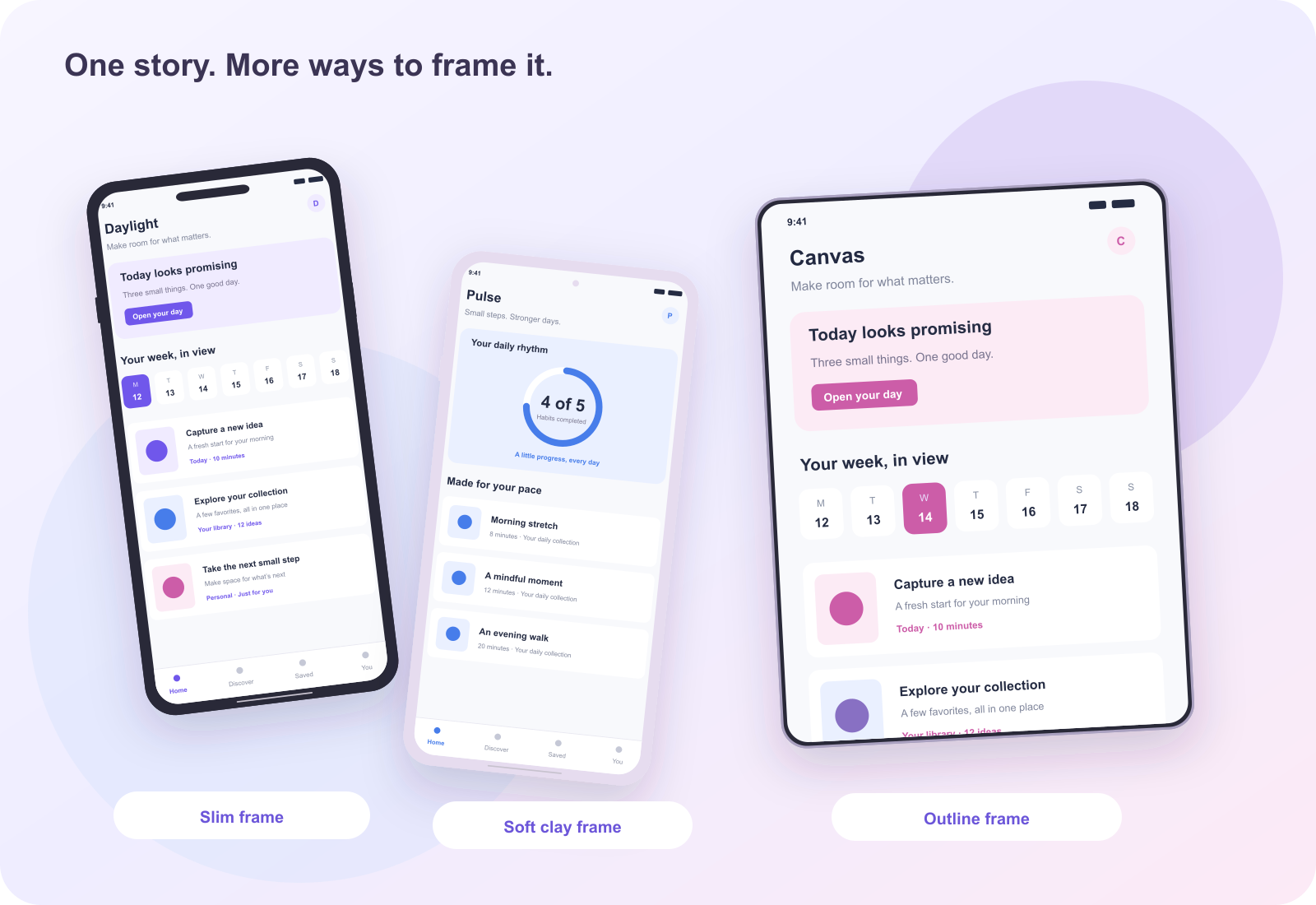
Give each screenshot one useful job
Plan an original app screenshot sequence around user tasks, truthful interface evidence, readable headlines, and a coherent visual progression.
 Dimensions and delivery
Prepare Google Play screenshots and feature graphics as different assets
A practical guide to Google Play image dimensions, opaque formats, phone and large-screen content, and the 1024 by 500 feature graphic.
 Mac and desktop
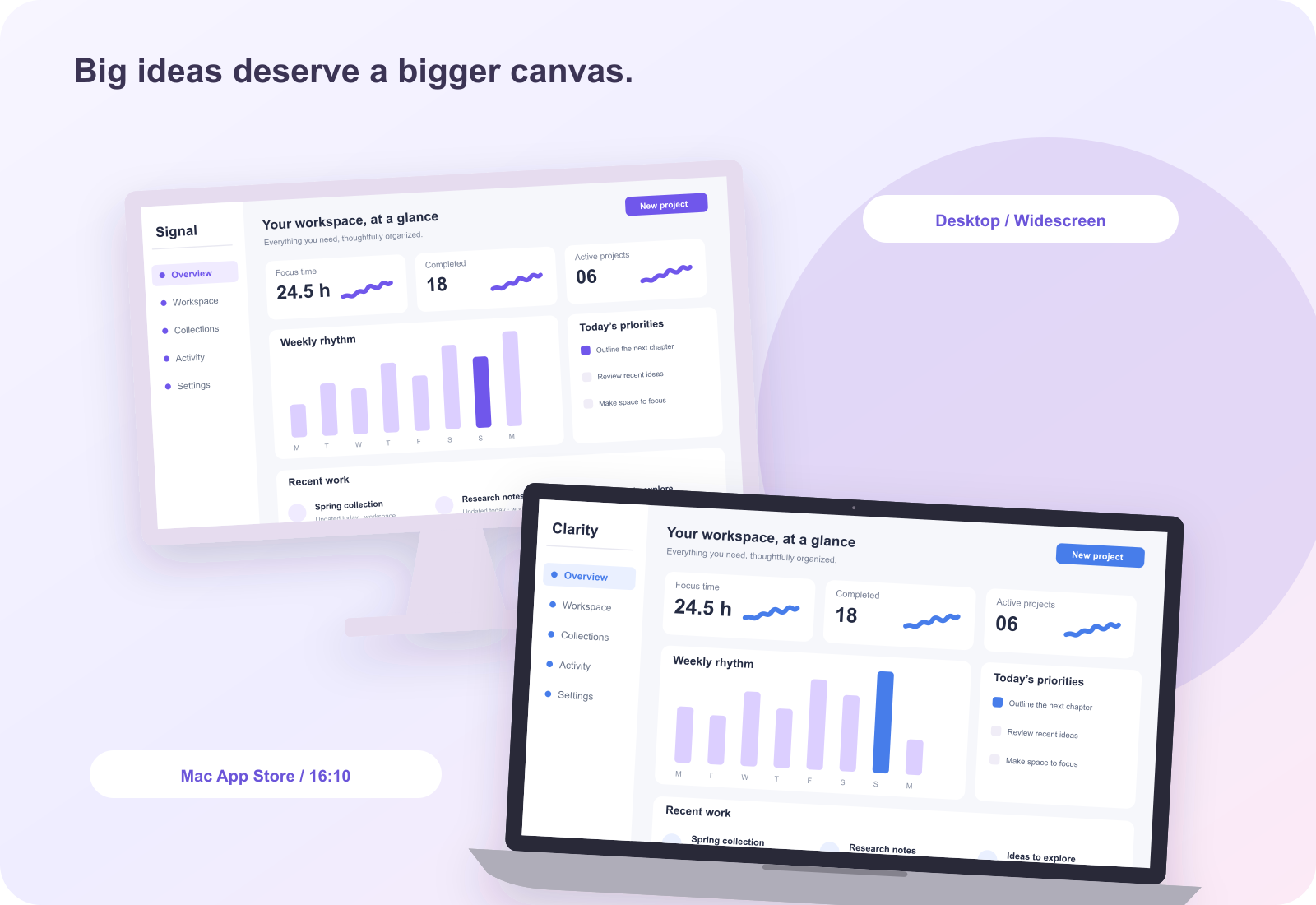
Design Mac App Store screenshots that preserve the workspace
Use 16:10 Mac outputs and genuine desktop captures to explain menus, sidebars, document areas, and workflow without losing legibility.
Tablet designShow why your app belongs on an iPad
Make iPad screenshot layouts reflect genuine tablet use: larger workspaces, readable split views, meaningful orientation, and accurate output dimensions.
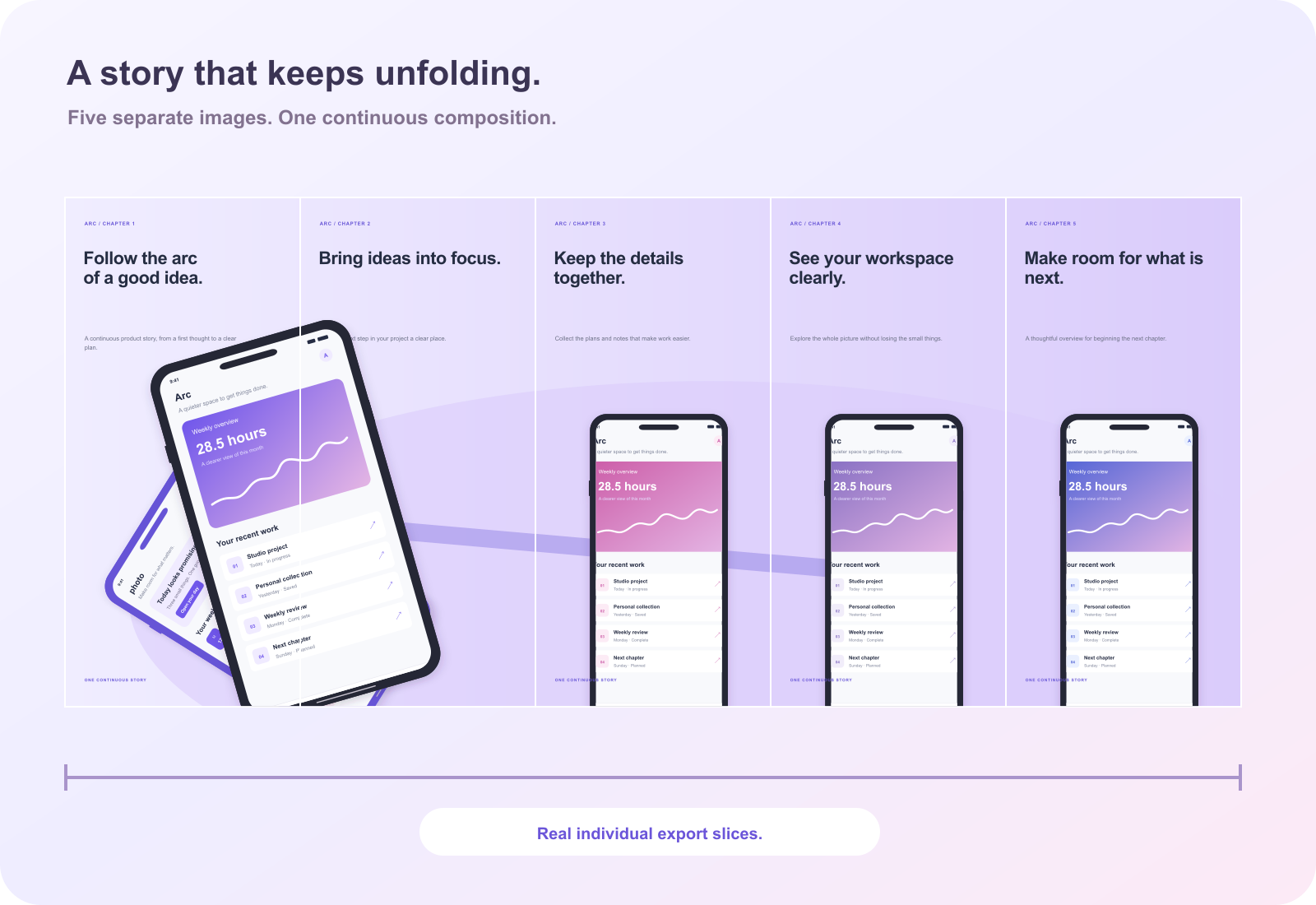
CompositionBuild a panorama that still works one panel at a time
Design a continuous screenshot sequence with safe seams, independent panel meaning, consistent dimensions, and careful split-export review.
Design fundamentalsTypography that keeps the app visible
Write shorter headlines, choose a clear text hierarchy, inspect line breaks, and preserve legibility in small store previews and translated exports.
Design fundamentalsChoose colors that make the product easier to read
Give screenshot colors clear roles, check text over gradients, separate the app from its background, and maintain a coherent original palette.
Dimensions and deliveryThe screenshot export checklist: inspect the file you will submit
Verify image count, pixel dimensions, opaque formats, sharpness, cropping, truthful content, ZIP order, and editable project backups.
Templates and workflowChoose a screenshot template for the task, not just the color
Compare screenshot space, platform format, headline room, visual density, panel rhythm, and adaptability before opening a free template.
Mac and desktopExplain a desktop app without turning the workspace into a thumbnail
Create readable generic desktop screenshot sets for product sites and presentations, with clear workflow evidence and honest format boundaries.
Language and accessibilityLocalize screenshot copy manually, with room for the language
Adapt app screenshot text and imagery for another locale, review translation length, mixed scripts, right-to-left alignment, and final-file rendering.