Start with the right output.
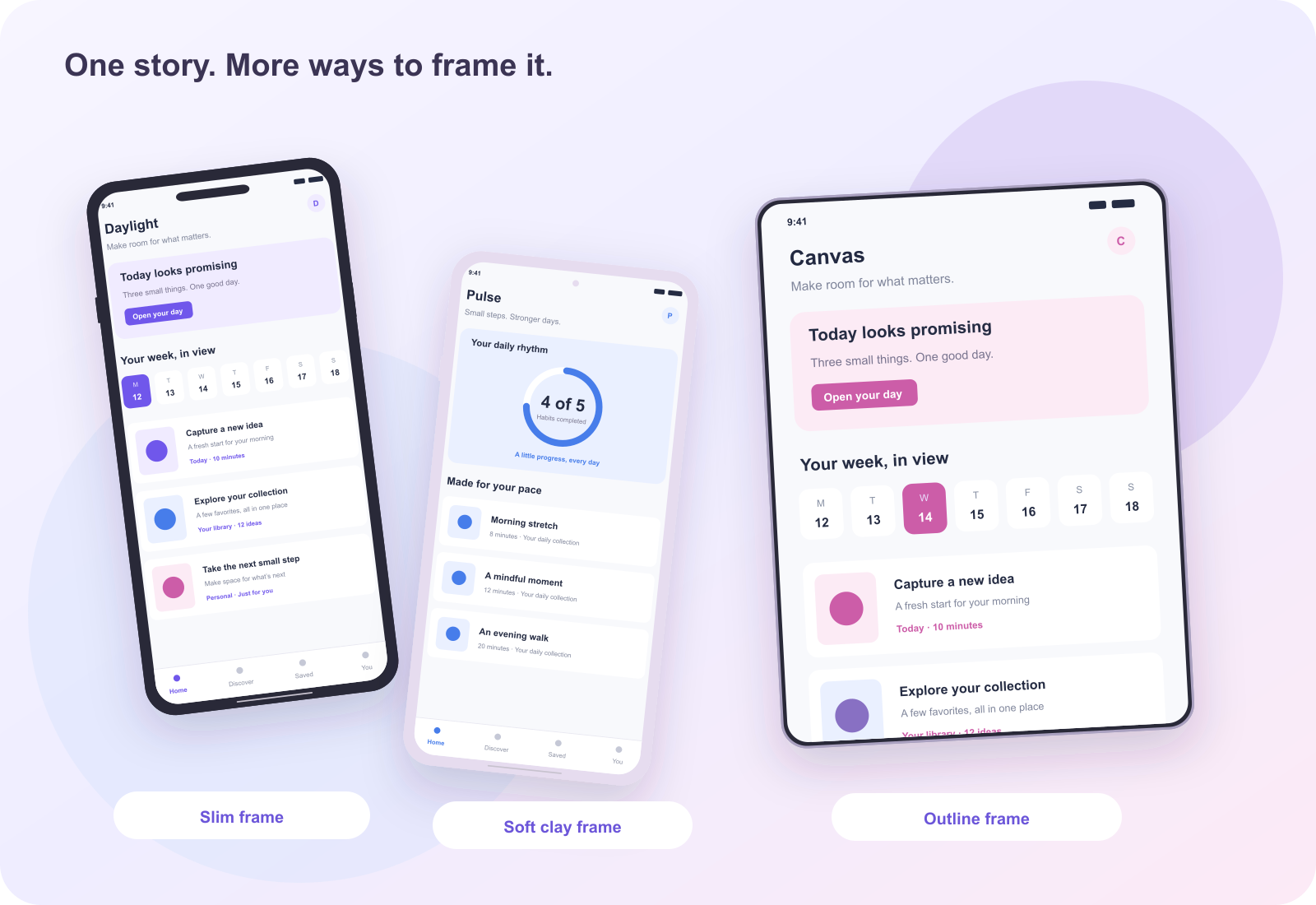
Apple Dynamic Island medium accepted portrait dimensions. This tool initializes a portrait canvas at 1206 × 2622. The editor’s size selector lets you choose another preset before export. A decorative frame never changes the dimensions of the file: treat those choices as separate parts of your composition.
Build a sequence around a real task.
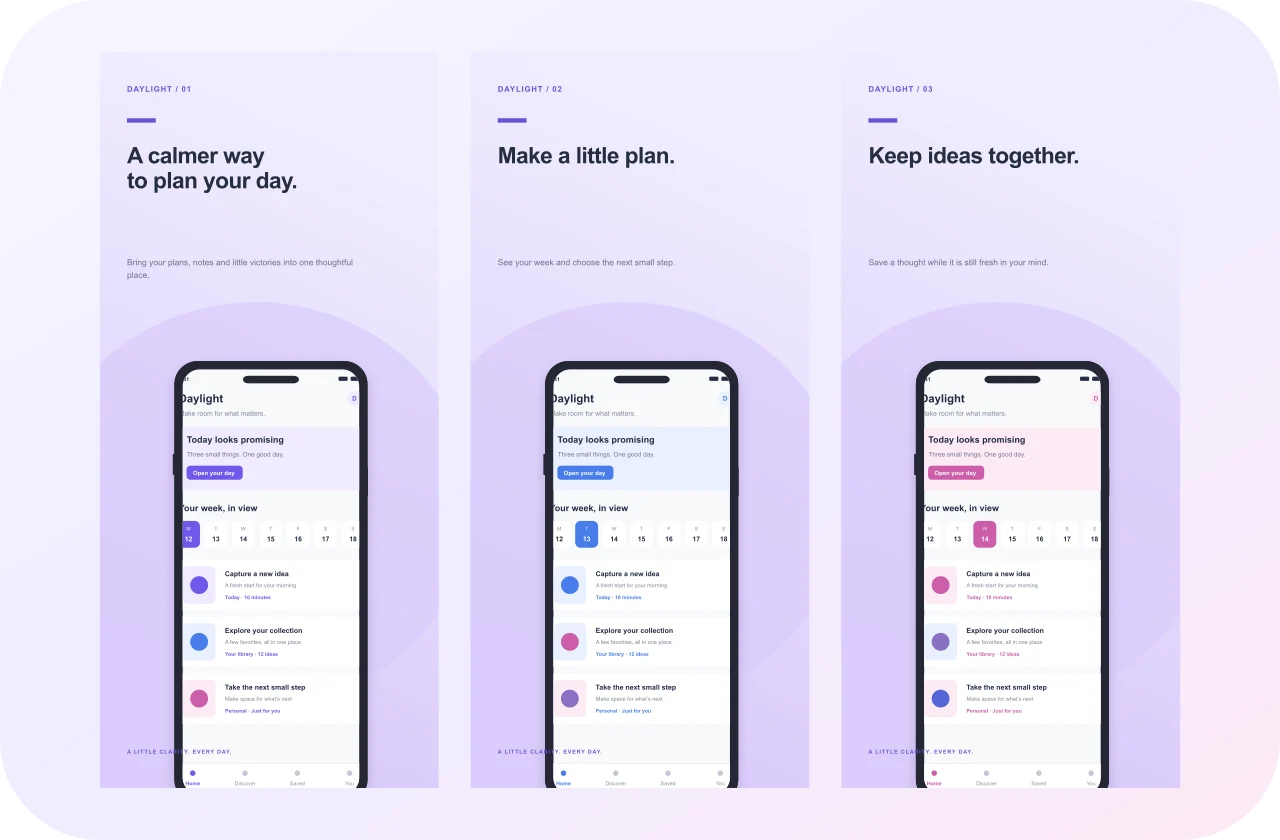
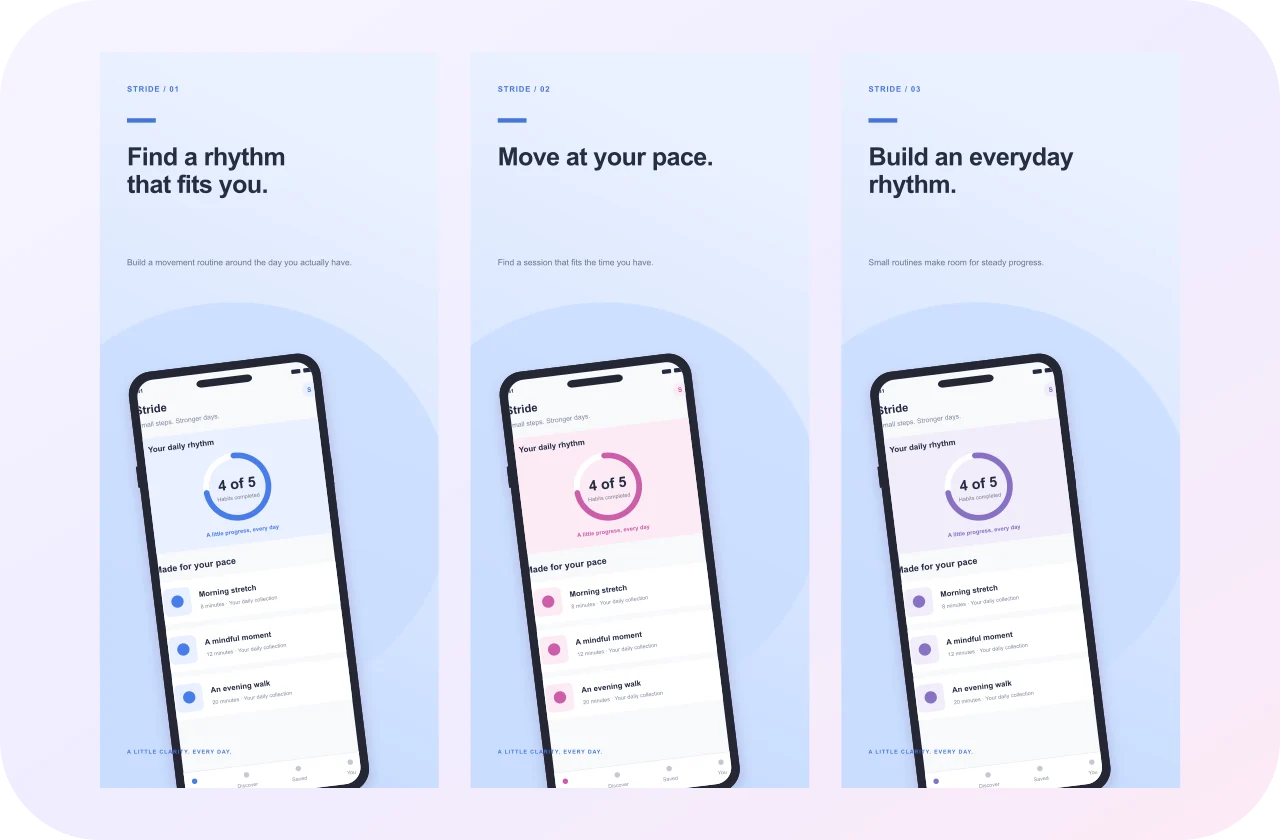
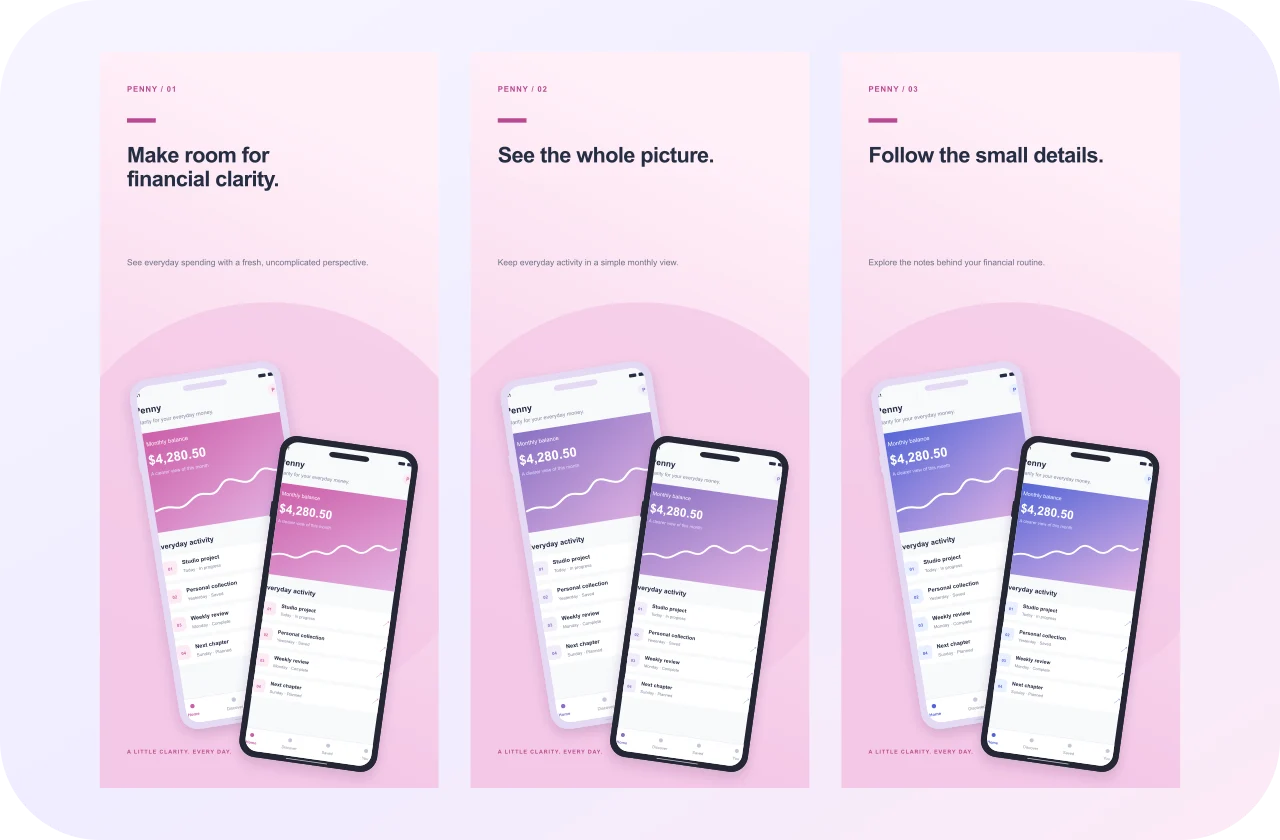
Choose screenshots that demonstrate what someone can accomplish in your app. Start with the clearest task, then show supporting features in the next panels. Replace the original fictional interface with actual captures from your product. Remove private details, temporary alerts, and confusing example states before importing them.
Make the caption earn its space.
Use a short headline that adds context to the interface. Avoid repeating a button label when you can explain the task it supports. Preview the design small enough to resemble a storefront. If the headline is harder to read than the app name, shorten it or simplify the background.
Keep the final file predictable.
Download the selected panel as one opaque PNG or JPEG. Export a full set as a ZIP of separate numbered images. Save a project backup too; the editable document lives in this browser and a local link will not carry it to another device. Store acceptance also depends on your app content and current policies, so inspect the source documents before submitting.