
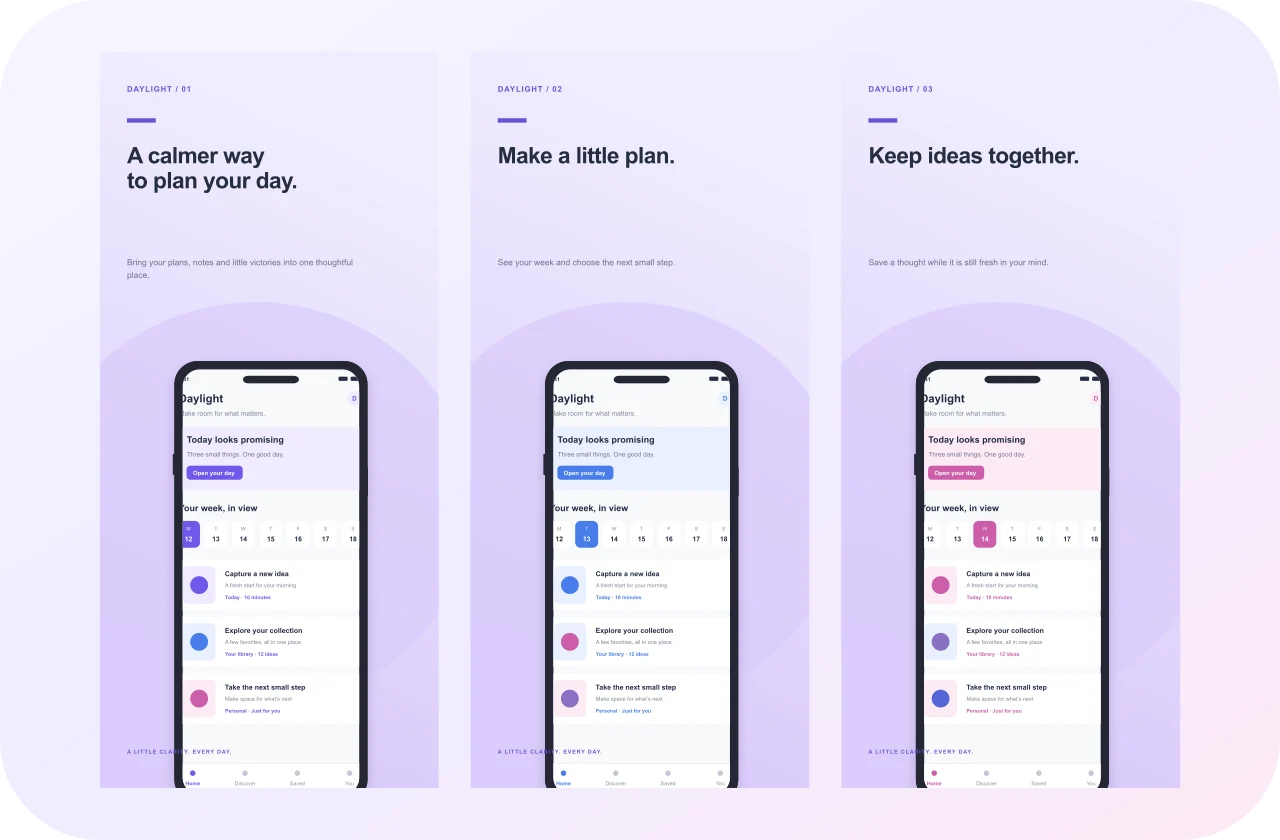
 FREE TEMPLATE
Daylight Planner
Minimal
Turn your app into a story worth exploring. Create beautiful screenshots for iPhone, Android, iPad, Mac, and desktop — with original templates and a free visual editor.

Original layouts. Thoughtful details.
Ready for your app, ready to edit.
FREE TEMPLATE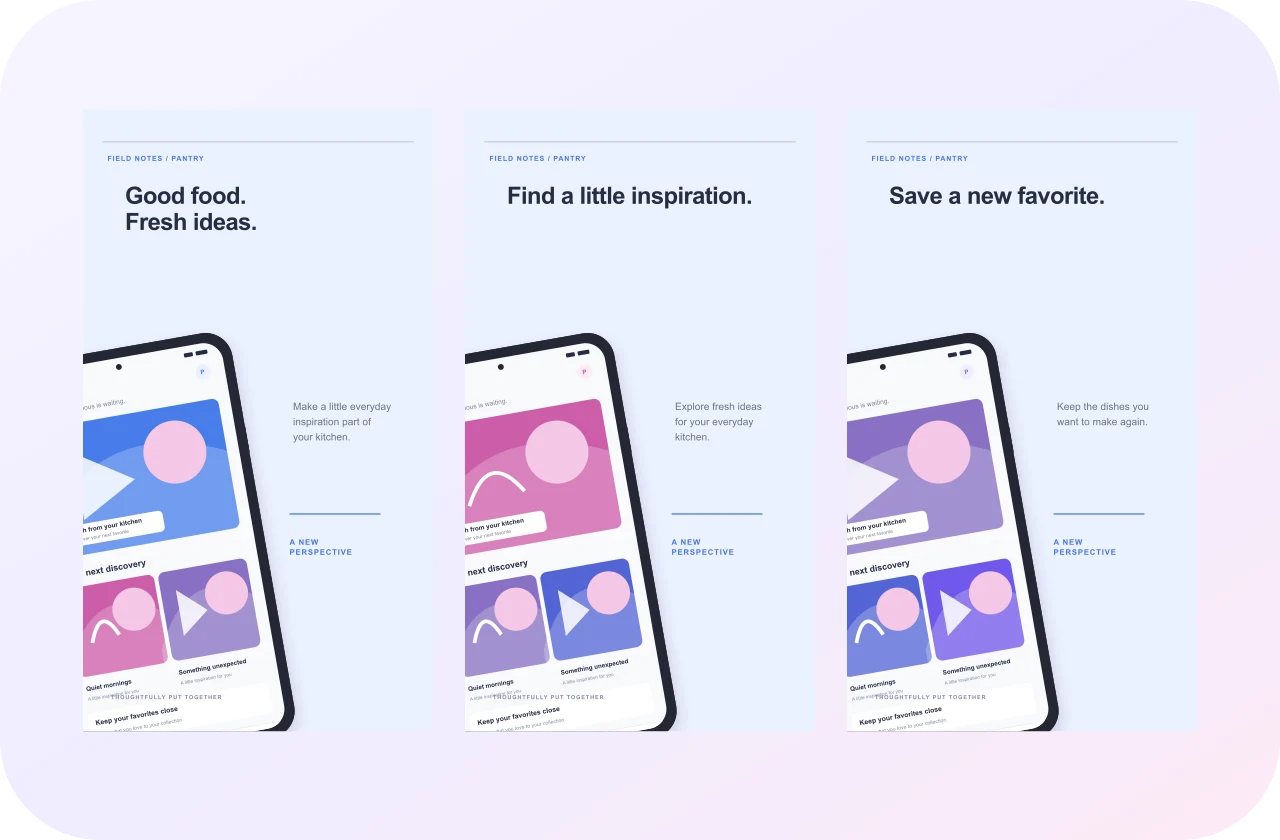 FREE TEMPLATE
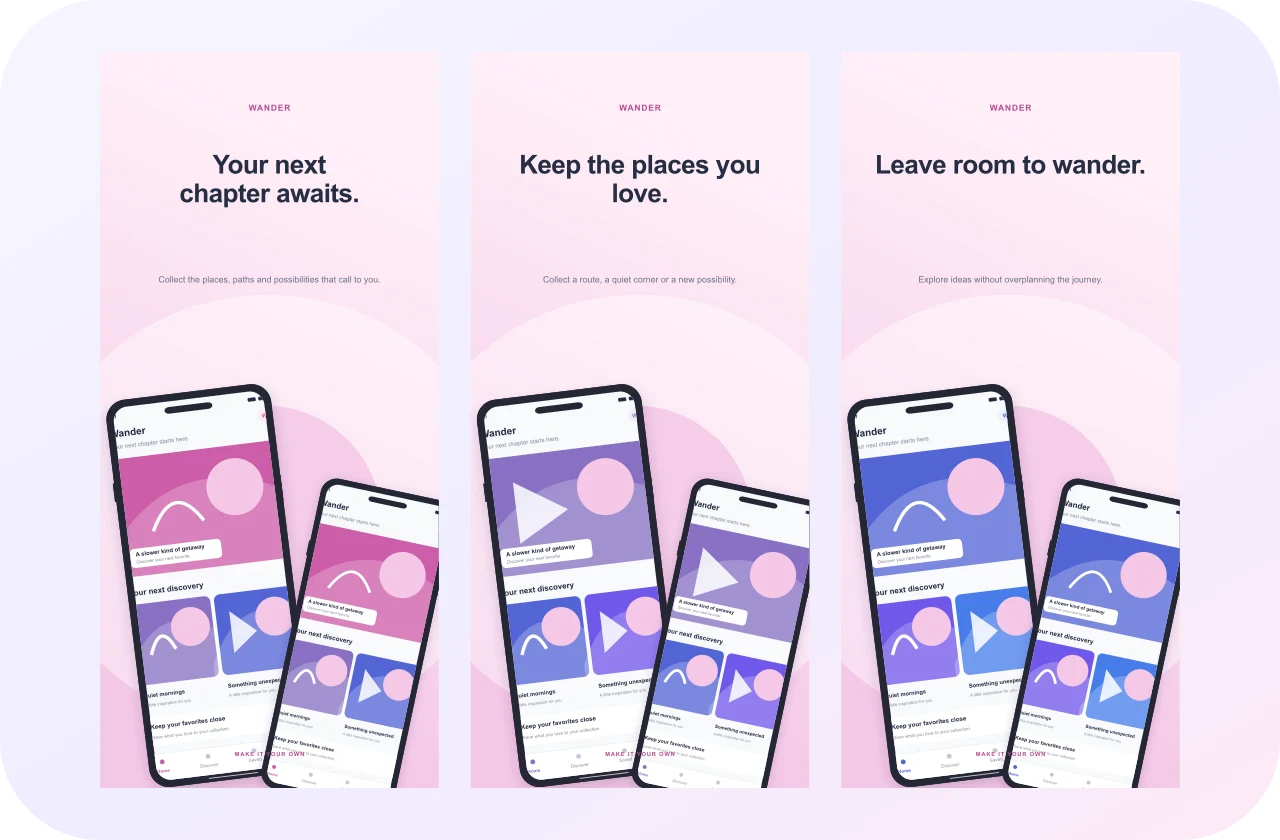 FREE TEMPLATE
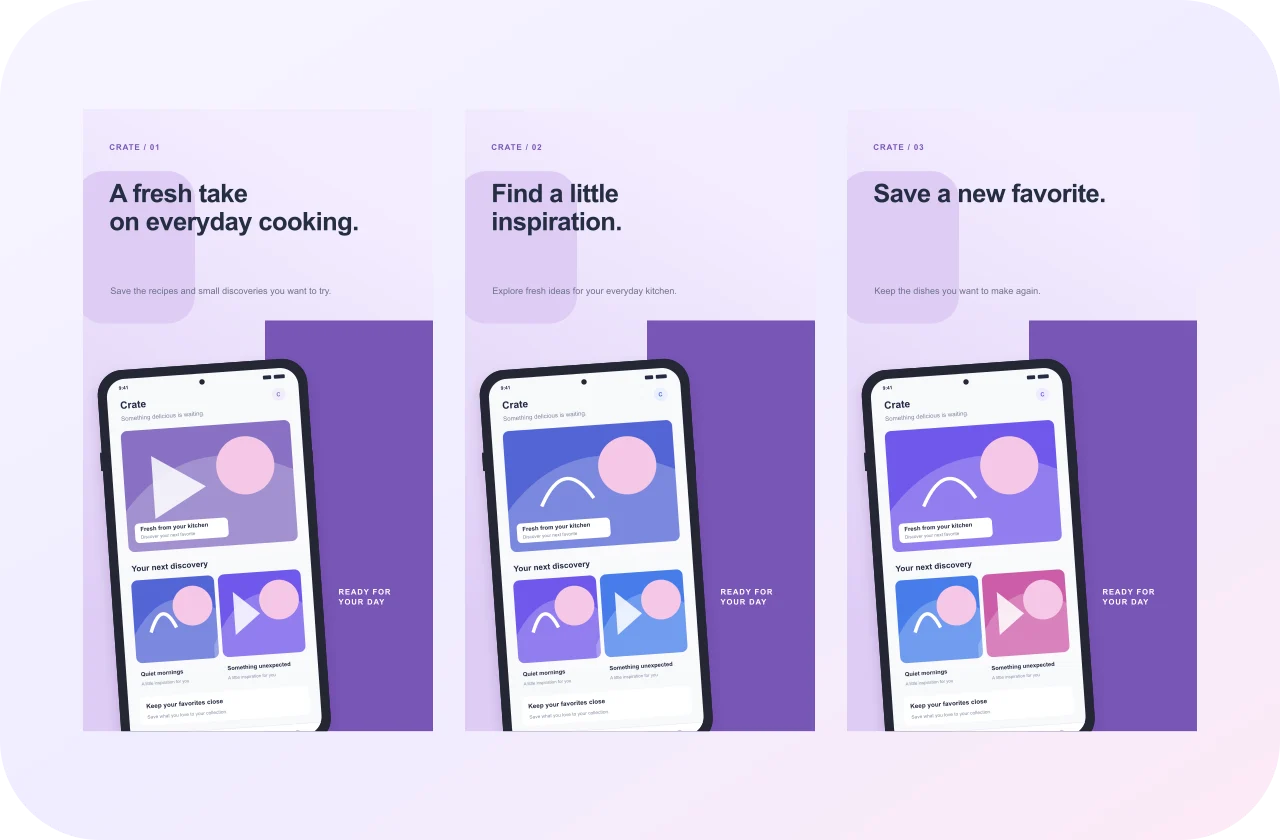 FREE TEMPLATE
 FREE TEMPLATE
 FREE TEMPLATE
 FREE TEMPLATE
 FREE TEMPLATE
Start with the right canvas, then make it unmistakably yours.

Everything you need to move from a screenshot to a cohesive app story.

Quiet and editorial. Bright and expressive. Wide and wonderfully spacious. Explore original free templates built around different kinds of apps, then make every detail yours.

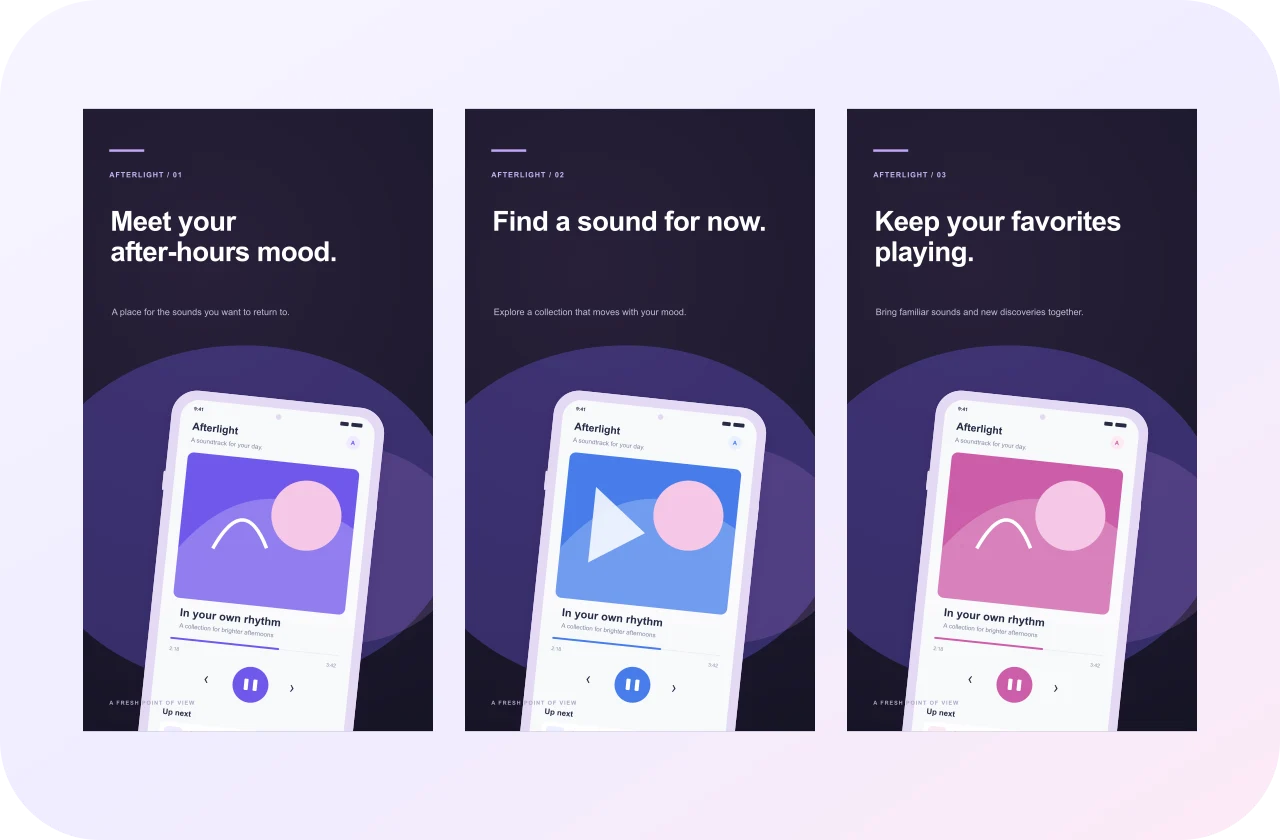
Select a frame and replace its sample screen with your own app image. Keep the bezel, adjust the crop, and give each feature a clear headline. The little details stay in your hands.

Choose an original slim or clay frame, soften its shadow, or let the interface stand on its own. Device decoration stays separate from your export size, so your design has room to evolve.

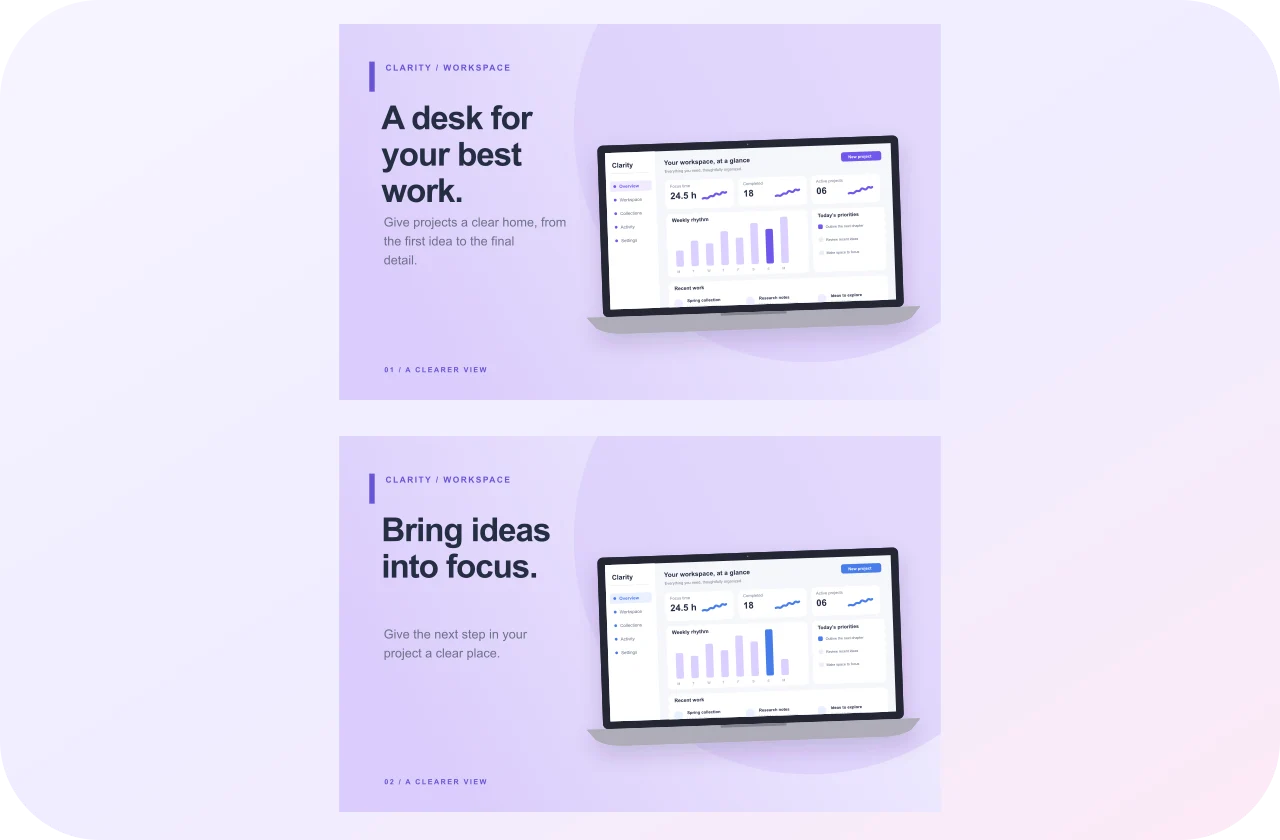
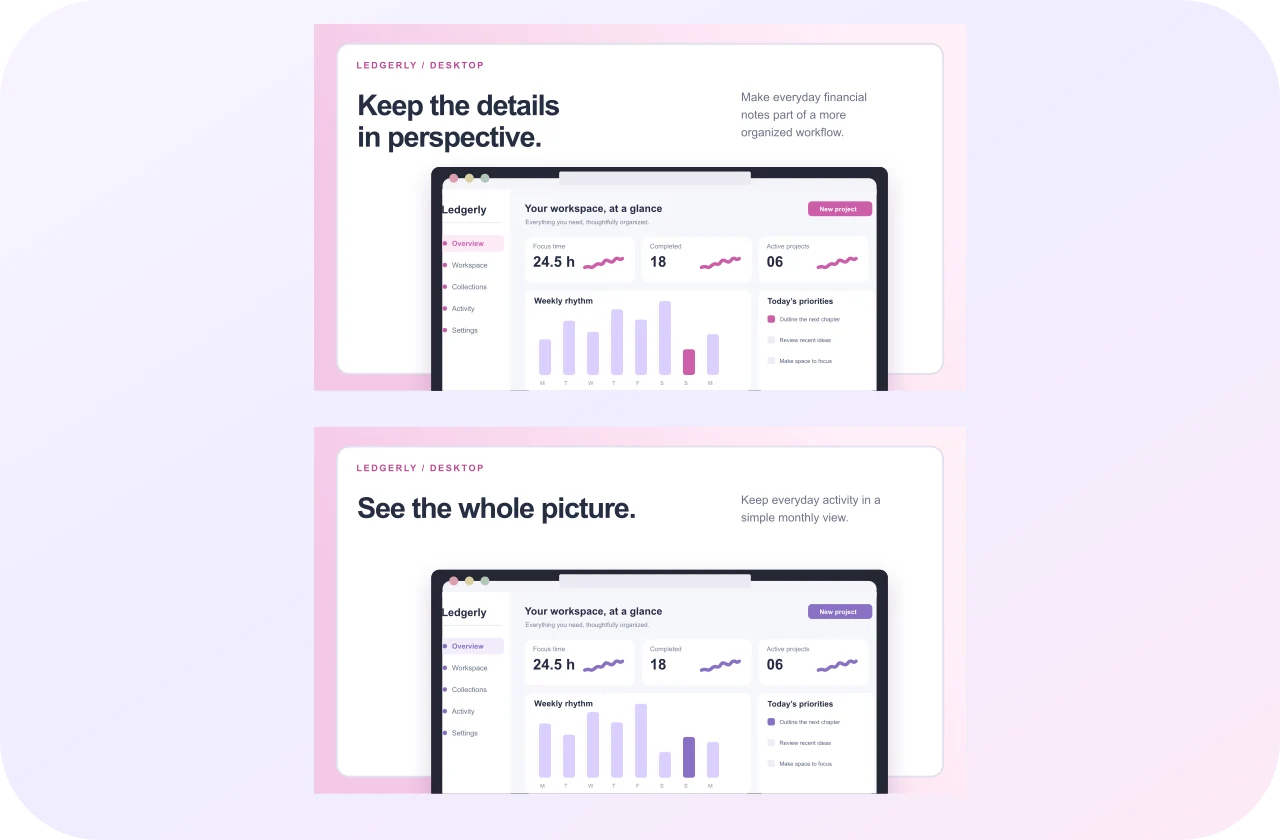
Give your workspace a proper landscape canvas. Create true 16:10 Mac App Store images, or use a wider layout to present desktop tools, dashboards, and browser experiences.

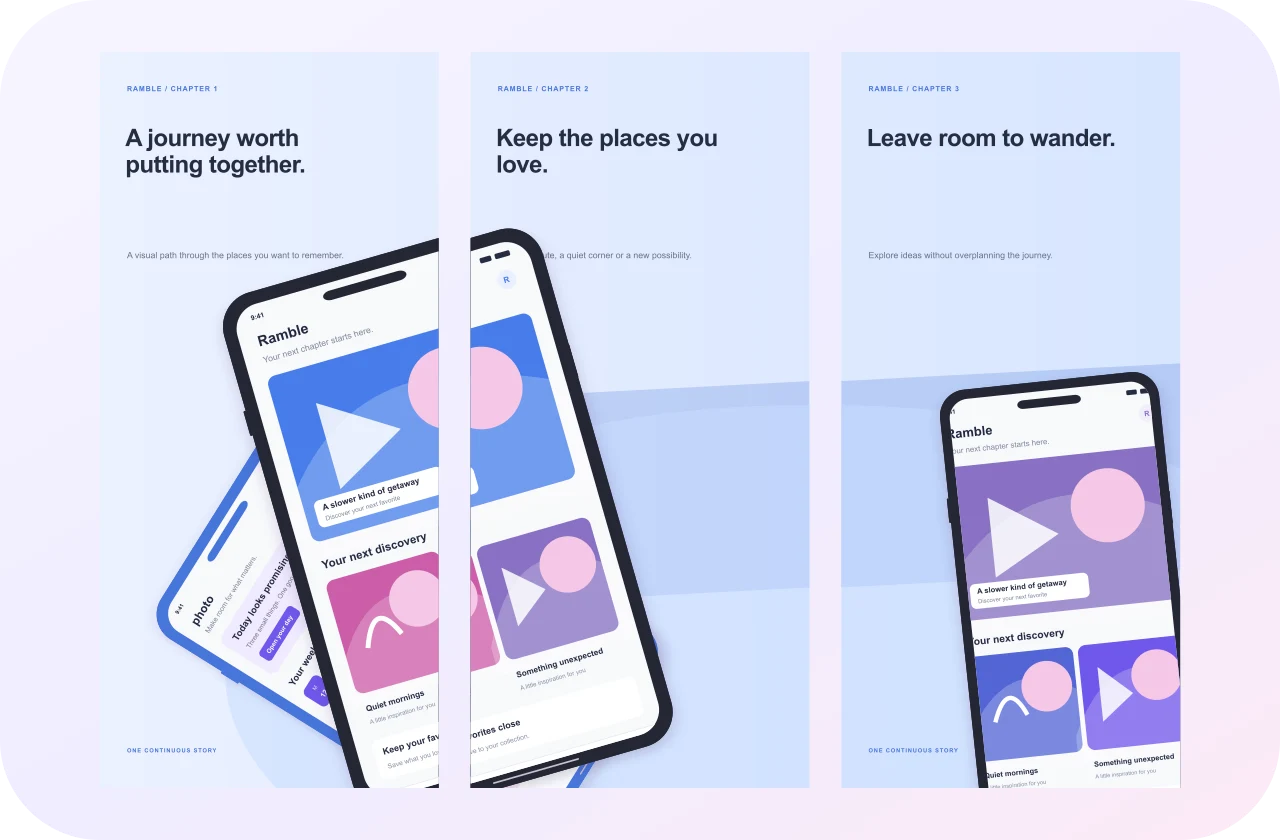
Carry a continuous background across your panels, or give each feature its own space. Edit every screenshot separately and keep the sequence connected by typography and color.

Download the selected panel as a crisp PNG or JPEG. When the sequence is ready, get a ZIP with a numbered image for every page. No account, watermark, or last-minute payment.

Choose documented iPhone, iPad, Android, or Mac dimensions before you export. Use the registry to understand which values are store requirements and which are useful marketing presets.

Create without handing over an email address. Your drafts and uploaded screens save locally. Download a self-contained project backup to move your work or keep a copy outside this browser.
Text, colors, frames, and screenshots.
All in one focused browser workspace.

Find an original template that fits your app, or create a blank canvas in the right dimensions.
Browse free templates →Replace the sample screens, write your captions, and refine frames, color, and layout.
Open the editor →Export one PNG or JPEG, or a ZIP of the full sequence. Save a project backup for the next update.
See the walkthrough →Need a hand with your first design?
Visit the help centerYes. Every original template, editing control, and normal PNG, JPEG, and ZIP export is available without an account or payment.
Yes. Select a device, choose Replace screenshot, and upload a PNG, JPEG, or WebP. Its frame, position, and crop remain editable.
Projects and uploaded images are saved in this browser with IndexedDB. Switching browsers or clearing site data can remove them. Download a project backup before you do.
Yes. Download the selected screenshot as PNG or JPEG, or put every page into a ZIP with one numbered image per page.
Use iPhone, iPad, Android, Mac App Store, and generic desktop artboards. Decorative device frames and actual export dimensions are separate settings.
The presets use documented dimensions and exports are opaque. Your actual app content, metadata, and images still need to meet the store’s current policies.
Yes. Panoramic templates use continuous backgrounds across multiple editable panels, with individual panel exports.
Localization is manual. Duplicate a set into a locale, edit the text, check line lengths and direction, and export the locale-labeled images.
Original designs, a focused editor, and every export free.
Create Screenshots Free