A closer look at Folio Studio
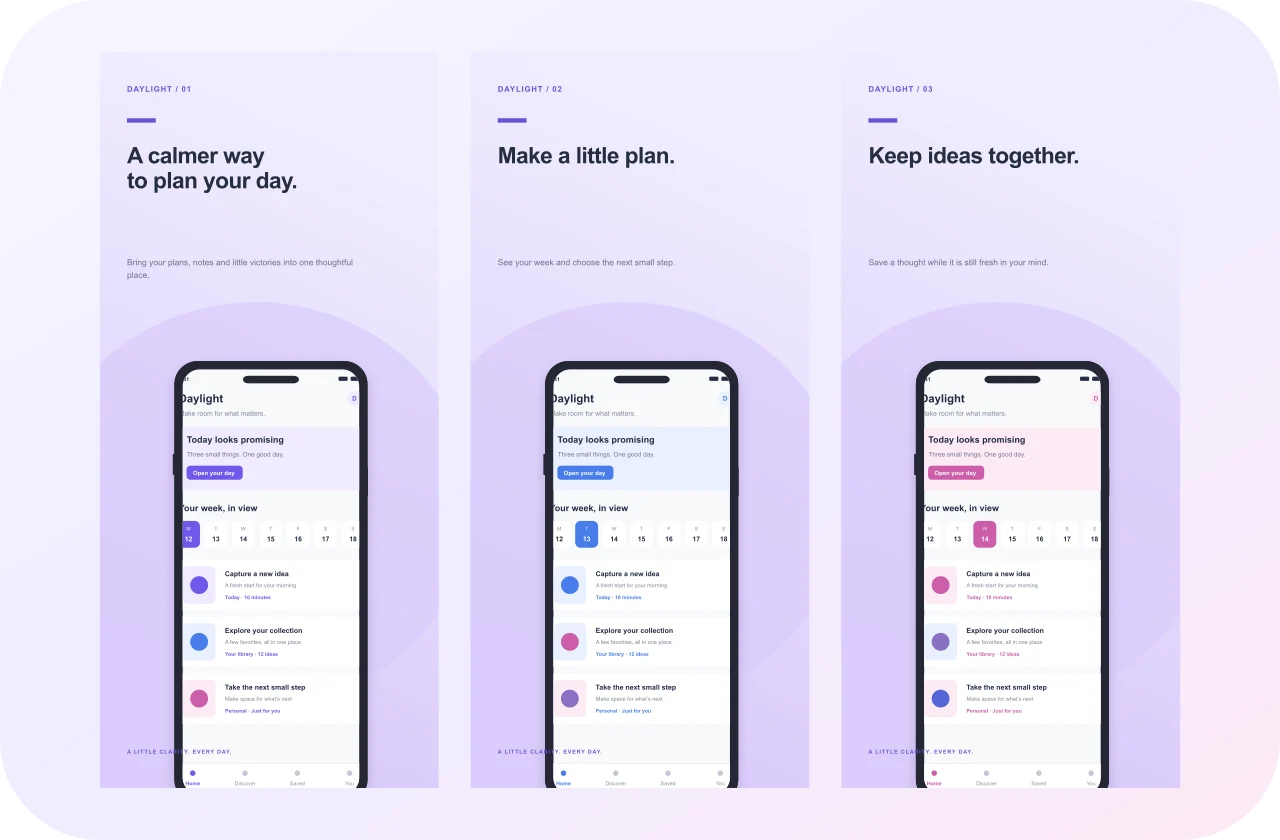
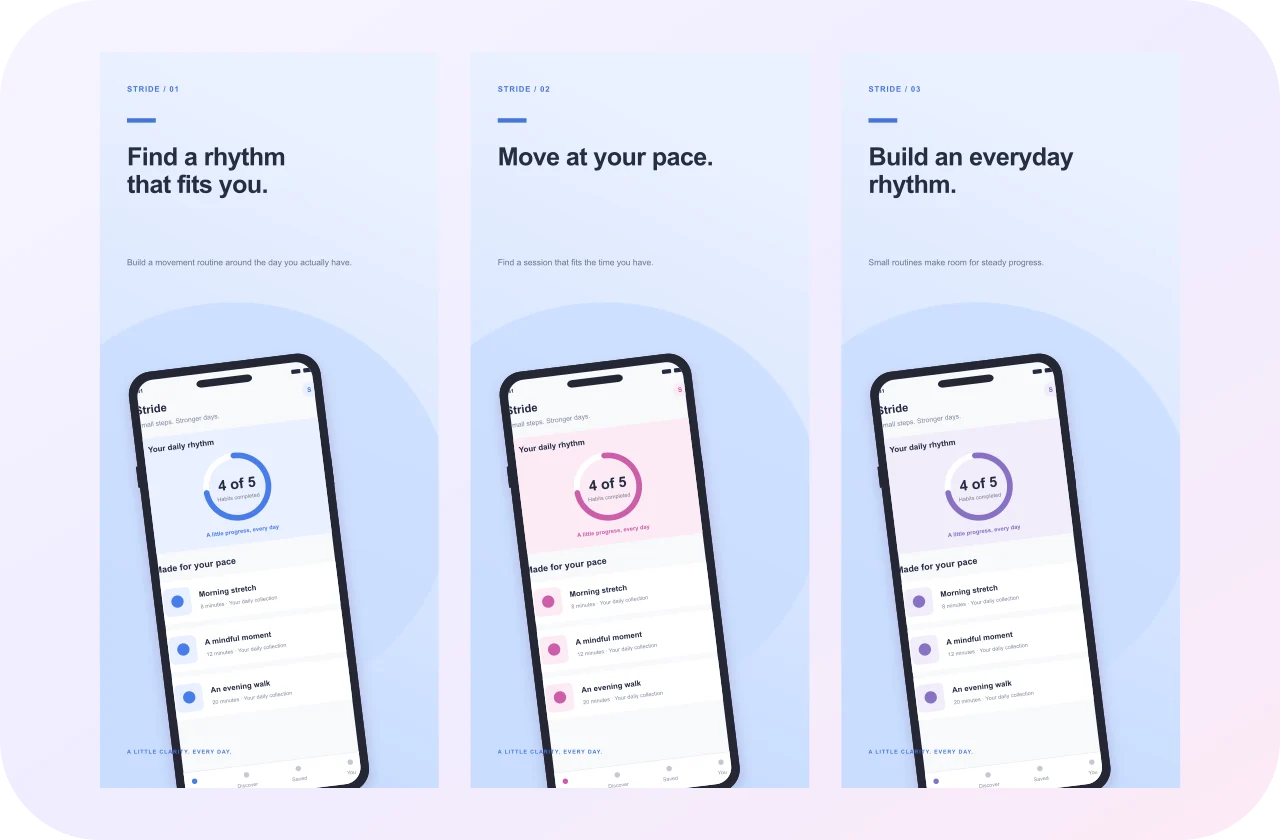
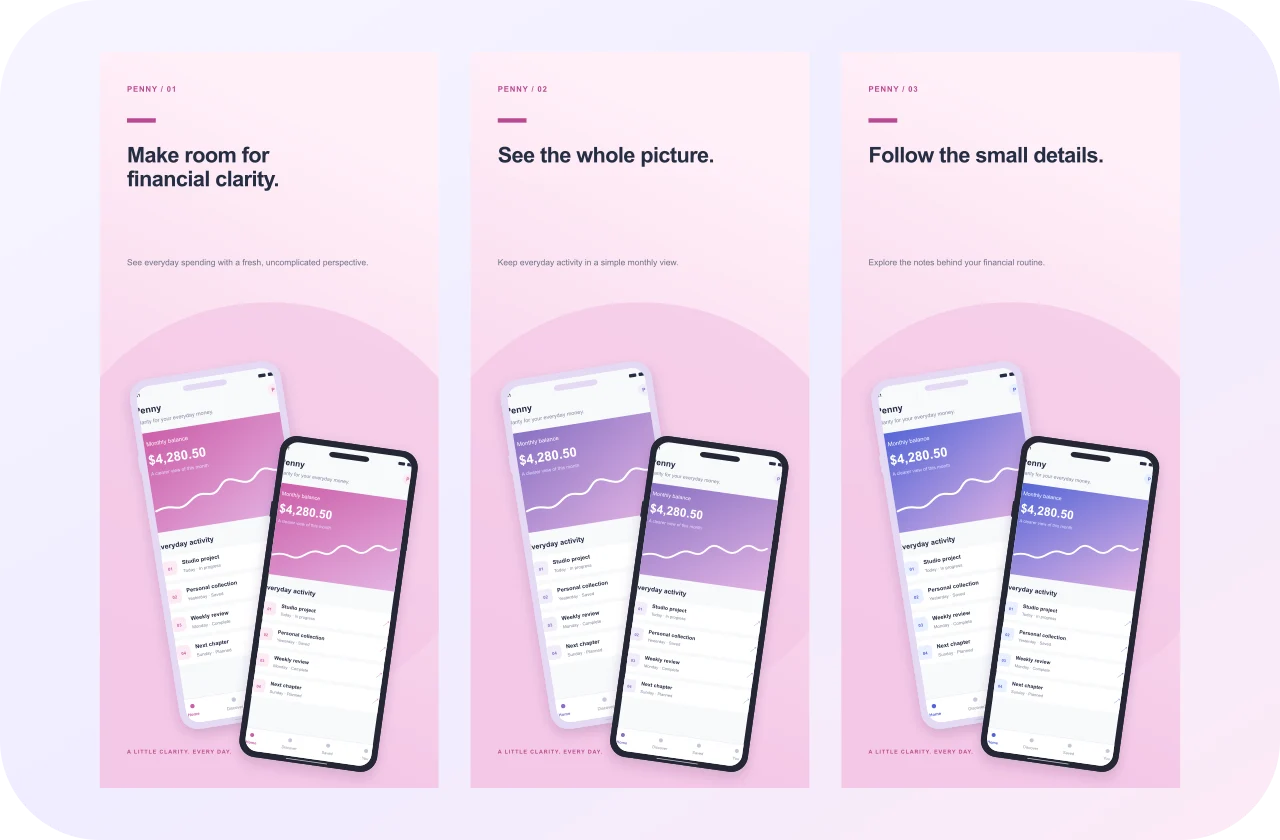
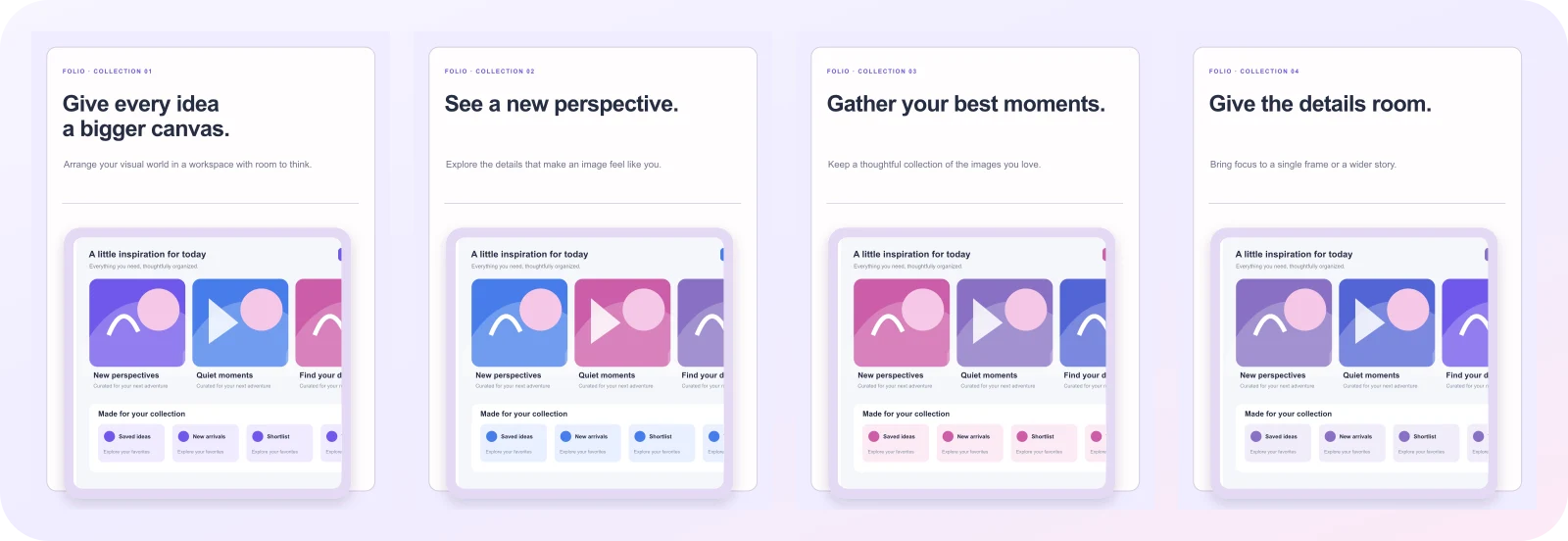
This original paper journal composition uses editorial styling to give your App Store app a clear visual direction. Its portrait canvas measures 2064 × 2752 pixels, and each exported image has those dimensions. The sequence contains 4 independently editable pages, so you can shape the story around the features that matter to your audience.
The story inside the sequence
The authored example moves through “FOLIO · COLLECTION 01”, “FOLIO · COLLECTION 02”, “FOLIO · COLLECTION 03”, “FOLIO · COLLECTION 04”. These captions belong to a fictional app and demonstrate how the layout connects an interface with a useful promise. Replace the example wording with specific tasks your own app can perform. Keep the visual emphasis of the original arrangement if it suits your screen; change the text scale or position when your actual interface needs more breathing room.
Replace the screen, keep the composition
Open this free template and select a device or image layer. Use Replace screenshot to load a PNG, JPEG, or WebP from your computer. A device layer clips the replacement inside its existing screen aperture, preserving the original bezel and transform. Adjust crop and scale when the captured image has a different aspect ratio. Each page has independent slots, so replacing one example does not alter the others.
Finish the typography and layout
The headline, supporting copy, color, and background remain editable. Check the longest caption first and view the result at a smaller scale. A beautiful composition can still become difficult to read when the text is too long or the screenshot is too small. Review every panel as a standalone image as well as part of the sequence; storefronts may show only one or two panels at a time.
Download a useful file
Download Example Screenshots renders the original sample design directly. A multi-page template produces a ZIP of separate PNG images; a one-page graphic produces one PNG. From the editor, download the selected page as PNG or JPEG, or export the full set. The example is a design reference, not ready-to-submit app content. Use your actual interface and check the destination’s current policies.
Keep a copy for the next update
Your project saves in this browser. Download a project backup when the design is ready or before clearing browser storage. Import that backup to reopen the document and its uploaded screens on another browser. A local project link by itself does not share the design online.